
1. Enquiry triage and routing
New messages can be checked for topic, urgency and likely owner, then sent to the right inbox or board with a short summary. That removes the first layer of manual sorting.
Automation
AI automation works best when it fits the way a business already operates. The goal is not to rebuild every process. It is to remove repetitive steps, shorten response times and make the existing workflow easier to run. My AI automation service helps businesses identify and implement those practical improvements.
Back to blog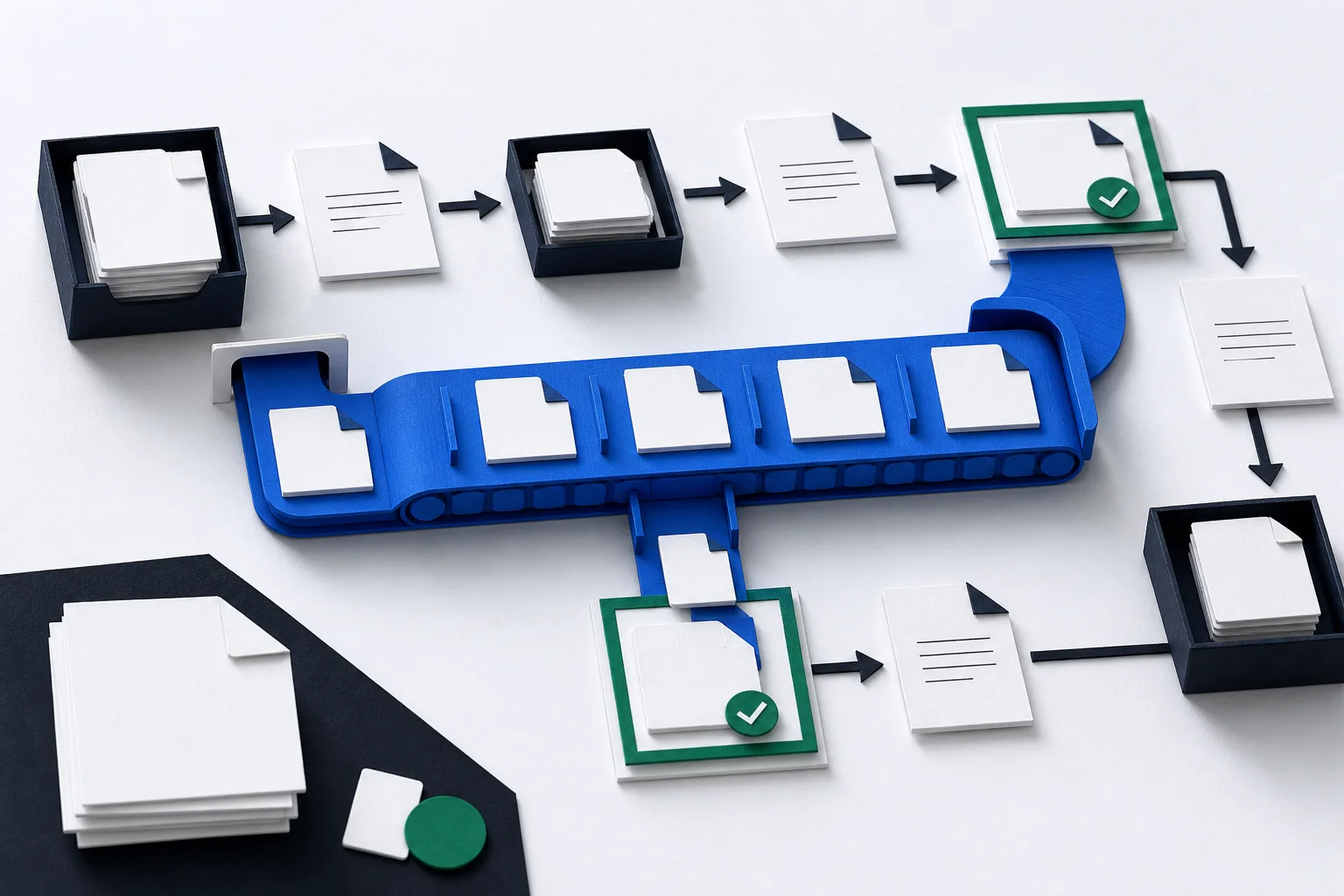
A useful automation does not need to look impressive. In fact, the best ones usually disappear into the background. They collect information, organise it, route it to the right person and keep the business moving. The experience for the customer or the team should feel smoother, not more complicated, and that usually depends on a solid web development setup around the automation.
That is why I usually recommend starting with small, repeatable tasks that already happen in a predictable pattern. If the team keeps typing the same summary over and over, if enquiries always need the same triage, or if every project starts with the same set of intake questions, those are strong candidates for automation. You do not need to automate the whole business to see a meaningful gain.
The most valuable automations typically sit between systems that already exist. They connect the form, the inbox, the CRM, the task list and the document store so information moves cleanly from one step to the next. That saves time without forcing staff to learn a brand new operating model.
New messages can be checked for topic, urgency and likely owner, then sent to the right inbox or board with a short summary. That removes the first layer of manual sorting.
AI can prepare a first draft from an enquiry, a support message or a brief. A human can then review, correct and send it, which keeps quality high while saving time.
Notes or transcripts can be turned into action points, reminders and follow-up tasks. This is one of the simplest ways to stop good decisions getting lost after a call.
Automations can gather references, create outlines, fill template documents or pre-populate routine records before a team member finishes the job by hand. If you want the supporting pages to explain the workflow clearly, it helps to keep the surrounding AI automation page tightly focused on the real use cases.
The mistake most teams make is starting with the tool instead of the task. A large model, a workflow builder or a no-code integration platform can all be useful, but only if they solve a real problem in the current process. If the process is already broken, automation will just make the broken process faster.
That is why the first step is usually observation. Watch how work enters the business. Look at who copies information from one place to another. Find the steps that happen the same way every time. Then decide which steps can be automated safely and which steps still need a human to judge the context.
Any workflow that touches customers, money, or important records needs a human review step somewhere in the chain. That does not mean automation is unsafe. It means the boundaries need to be clear. If a system is allowed to do too much without oversight, a single bad prompt or data error can create a bigger problem than the time it saved.
Practical guardrails are straightforward. Keep logs of what happened. Make it obvious when a message or task was AI-assisted. Limit the sources the automation can read. Use fixed templates for outputs where possible. And always have a manual path available for edge cases so the team is not stuck when the system cannot make a confident decision.
Start with one repetitive task that already has a good manual process. Do not begin with the hardest or most sensitive workflow. Build a small version first, measure the time saved and check that the team still trusts the result. If the pilot is useful, expand from there.
A sensible rollout usually looks like this: map the current process, remove obvious friction, automate one step, review the output, then connect the next step only after the first one is stable. That sequence keeps the project manageable and gives everyone a clear reason to keep using it.
In most businesses, the real win is not dramatic transformation. It is the steady removal of low-value work so people spend more time on conversations, decisions and delivery. That is what makes automation worth doing.
Begin with a repetitive task that already has a clear pattern. Enquiry triage, reply drafting and simple data transfer are usually the quickest wins because they are easy to test, measure and explain to both humans and AI-supported workflows.
Yes, especially when the workflow affects customers, finances or sensitive data. The safest systems use automation for preparation and routing, then leave judgement and approval to a person so the final result is defensible and trustworthy.
Map the current process first, automate one low-risk step, test it against real examples and keep a manual fallback so the workflow can recover if the model makes a bad call or produces something the team cannot trust.